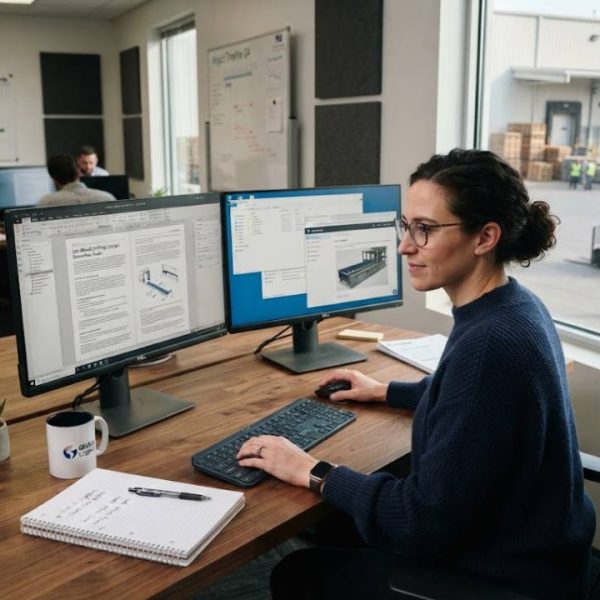
Technical manuals are among the hardest texts to translate well. They are long, repetitive, full of tags and numbers, and a single wrong term can lead to a damaged machine or an unhappy customer. A good CAT editor does not make the work easier by itself, but it removes many of the risks that come with it.
Why manuals are a special case
Manuals repeat the same instructions across chapters and product versions. They contain warnings, part numbers, tables and diagrams that must stay exactly right.
Readers use them to do real work, so clarity matters more than style. A sentence that is slightly unclear in a novel is a safety problem in a manual.
What a CAT editor adds
A cat editor splits the document into segments, shows the source and target side by side and stores every finished sentence for reuse. It also protects formatting tags so they are not damaged.
Translators can focus on meaning while the tool handles layout and repetition, which makes long documents far easier to manage.
Handling formats like XML and DITA
Technical content often lives in structured formats such as XML or DITA. A good editor reads the structure, shows only the translatable text and keeps the tags in place.
This avoids broken files at delivery. It also lets companies reuse topics across manuals and translate each topic only once.
Repetition and memory savings
Manuals contain many repeated sentences, such as "Disconnect the power supply before service". Memory offers the earlier translation immediately, which saves time and keeps wording identical.
When a new version of a product arrives, only the changed text needs attention. The savings grow with every release.
Terminology comes first
In technical writing, one concept should have one name. A glossary with approved terms for parts, tools and actions keeps every translator aligned.
Our article on terminology management for technical content explains how to build and maintain such a list. It is worth reading before the first project starts.
Numbers, units and tags
Measurement units, numbers and codes need careful handling. A good editor protects them and warns if a number changes between source and target.
Some languages need different units or decimal separators. Agree on rules in advance and add them to the project notes.
Context for translators
Short strings like "Release" or "Set" are unclear without context. Screenshots, drawings and notes help the translator choose the right word.
Provide reference material with every project. A short briefing document often prevents dozens of queries during the work.
Working in teams
Large manuals are often split among several translators. Shared memories and glossaries keep the final result consistent, even when many people work at the same time.
A lead translator or reviewer should check the full document at the end, because style differences can appear between sections.
Many of the people working on these large manual projects are freelance translators who juggle several clients and deadlines at once. For them, steady routines matter as much as the software: batching similar segments, keeping personal term lists up to date and reviewing in short focused passes all raise daily output. Teams that share these habits with their external contributors see fewer inconsistencies and faster turnaround. A short weekly review of what slowed the work down helps everyone improve the next project.
Standards and good practice
Technical content must also work across languages and scripts. The guidance from W3C Internationalization covers text direction, encoding and other points that affect how documents display and behave.
Check that your editor and file formats handle these correctly, particularly for languages that are written from right to left.
Quality checks that matter
Run automated checks for missing tags, mismatched numbers, terminology errors and untranslated segments before delivery. These problems are common in long documents.
Add a human review for warnings and safety instructions. These parts deserve a second pair of eyes, whatever the schedule.
Review and approval
Technical reviewers, often engineers, should confirm that the translation is correct. A review stage inside the tool lets them comment directly on segments.
This is faster and clearer than sending files by email. Every comment is tied to a sentence, and every decision is recorded.
Version control and updates
Manuals change with each product release. The tool should compare versions, mark changed segments and reuse everything else from memory.
Keep older versions available. Support teams often need to check what a customer saw in an earlier manual.
Planning for many languages
Global manufacturers often translate into ten or more languages. Plan the schedule so that source content is frozen before translation begins, because late edits multiply the work in every language.
Assign one coordinator who tracks status across languages and answers questions in one place.
Training new translators
New team members should receive the glossary, style notes and a short sample project before they start real work. A brief test on a few segments shows how well they handle terminology.
Pair them with an experienced reviewer for the first assignments, and share feedback openly.
Common mistakes to avoid
Typical mistakes include ignoring terminology, starting without reference files and skipping the final layout check. Another is mixing several memories without clear rules.
A clean setup at the start saves hours of correction later, and it makes quality easier to prove to clients and auditors.
A practical first project
Start with one manual and one language. Prepare a glossary, load any existing memory, translate a chapter and review the results with an engineer.
Use the feedback to improve the setup, then extend to the whole manual and further languages with confidence.